 Choose this template
A professional CV in minutes
Pick a template, fill it in, download it.
Demo: a CV is filled in, then changes colour and template.
Create my CV
No account neededFree to start
A CV in four steps
From template to PDF, straight to the point.
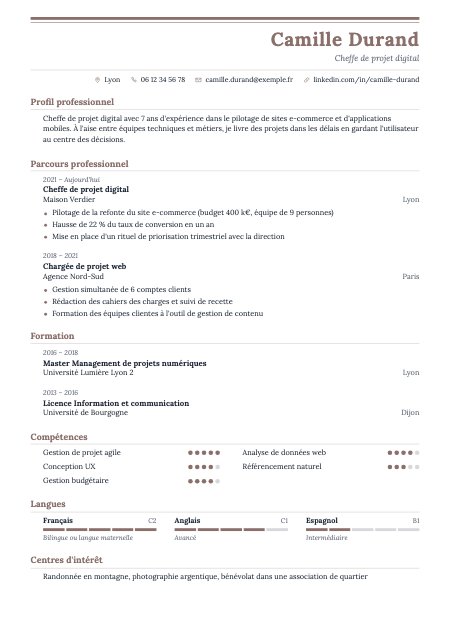
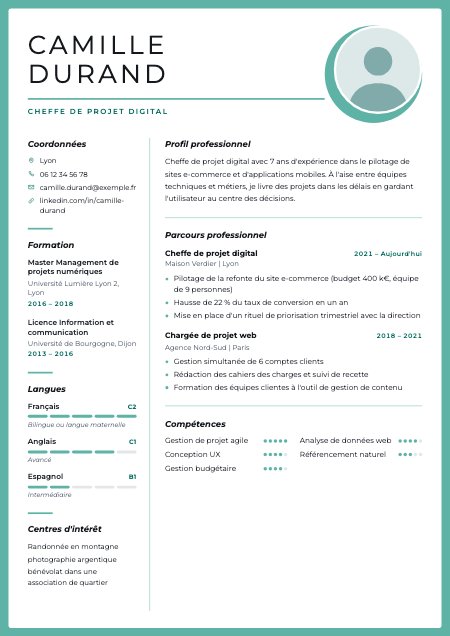
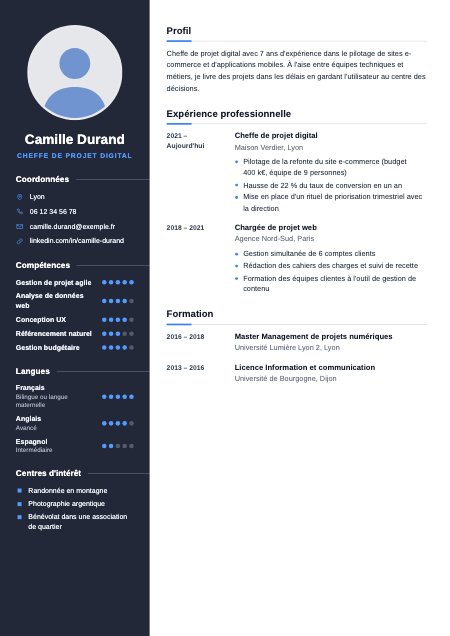
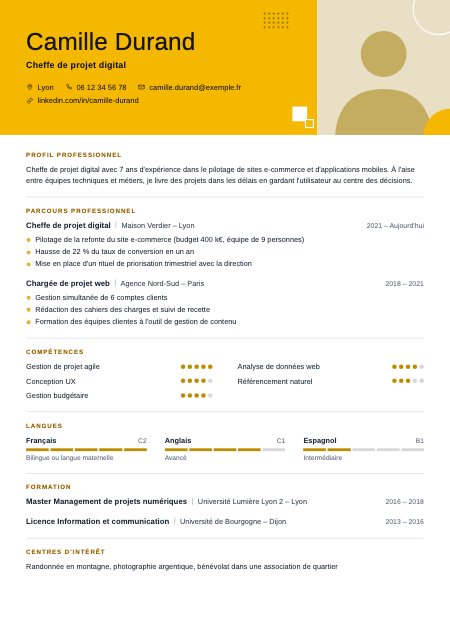
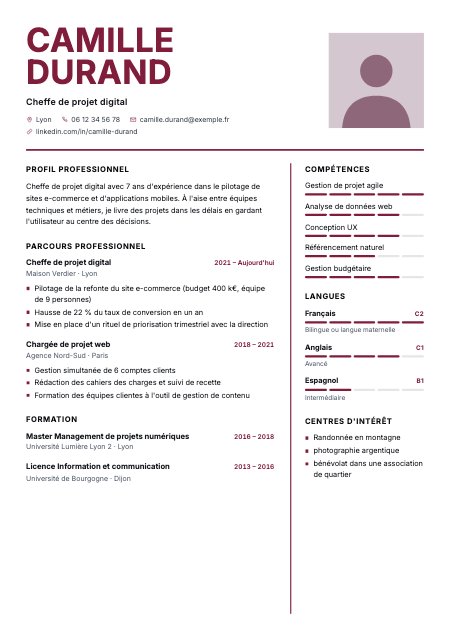
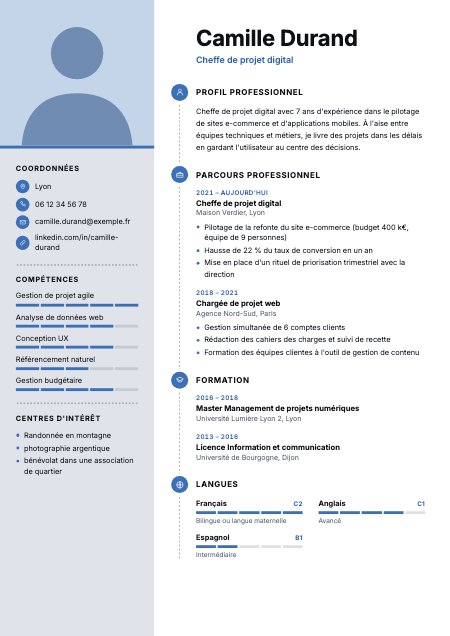
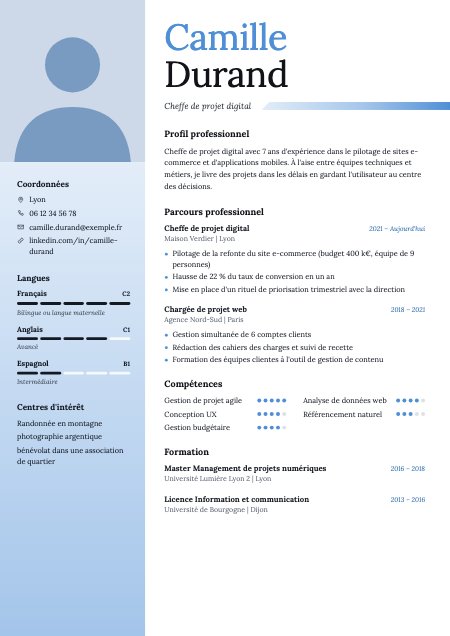
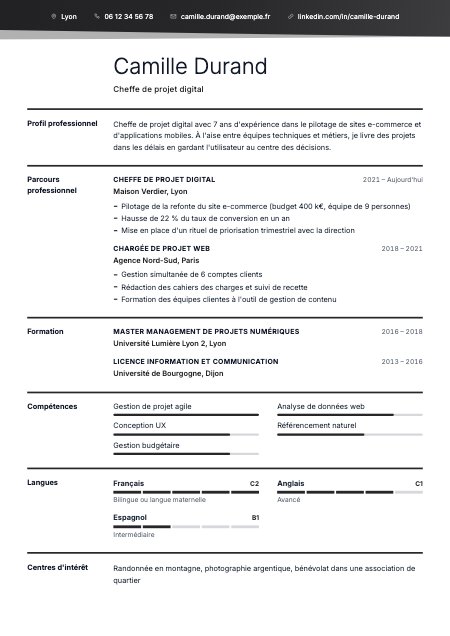
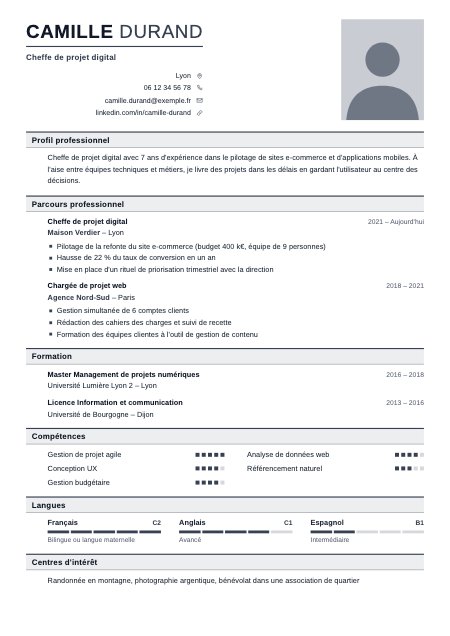
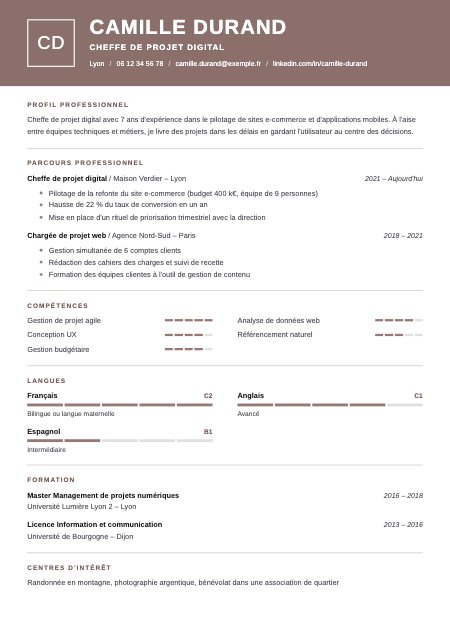
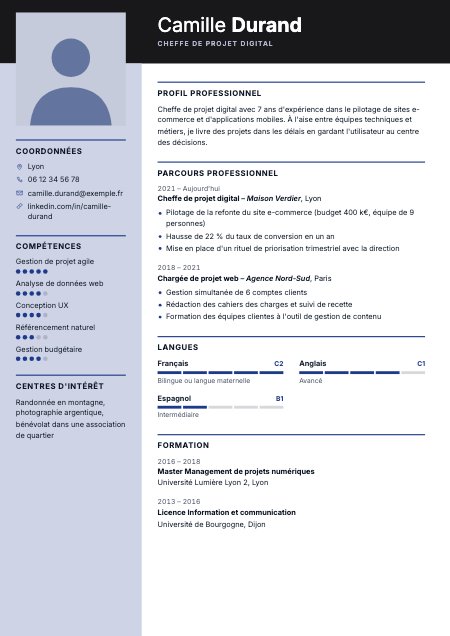
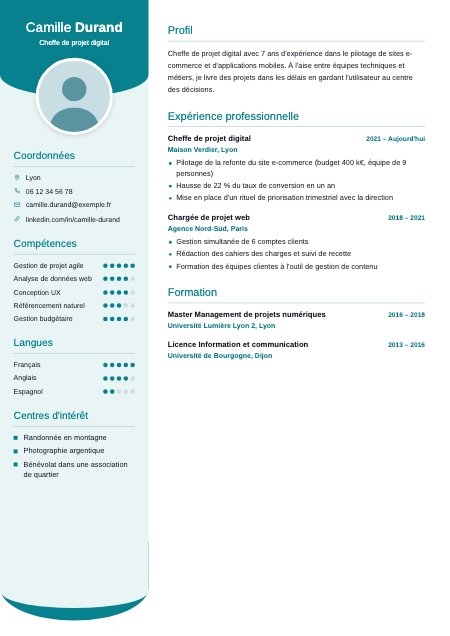
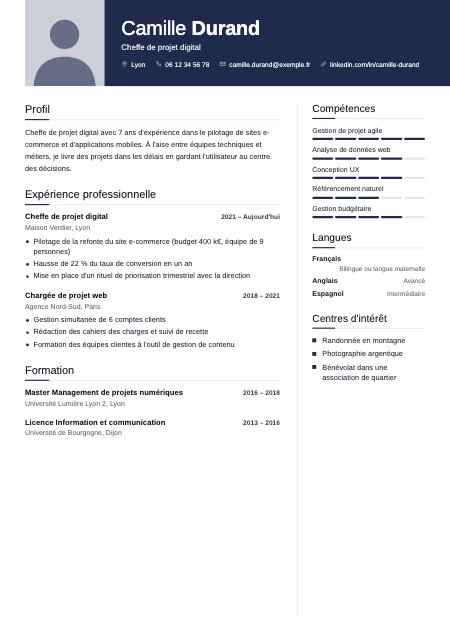
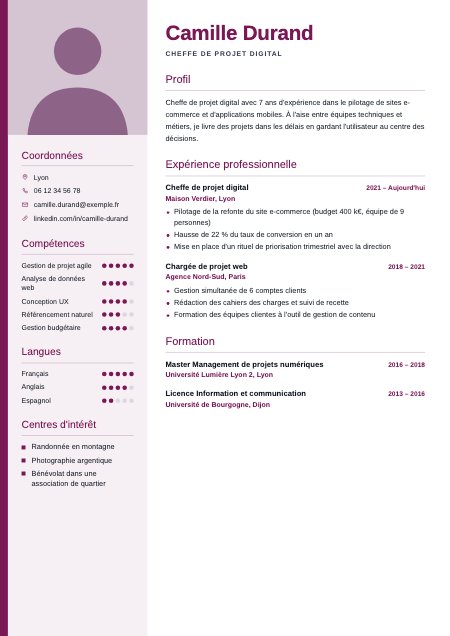
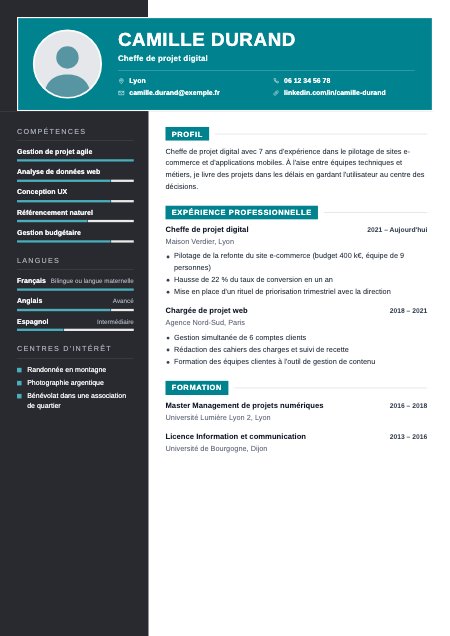
24 templates, simple or creative.
All in A4 format, with or without a photo. Change template whenever you like: your content follows, nothing to retype.
AI suggestions for your job.
The AI suggests phrases for your job; you add them in one click. Dates, cities and schools are picked from lists.
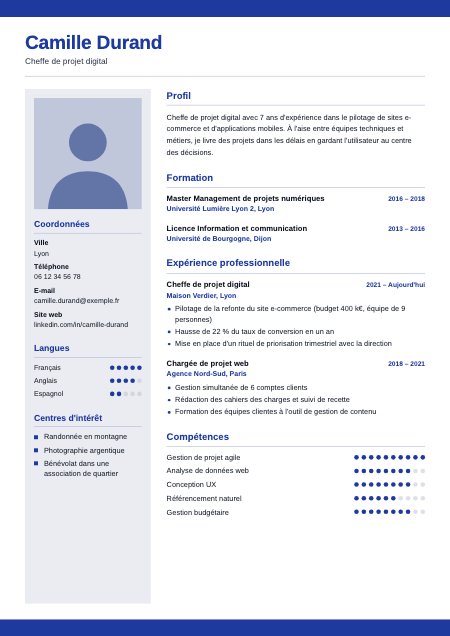
Colour, font, photo: in one click.
12 colours, several fonts and five photo shapes. The preview updates with every setting.
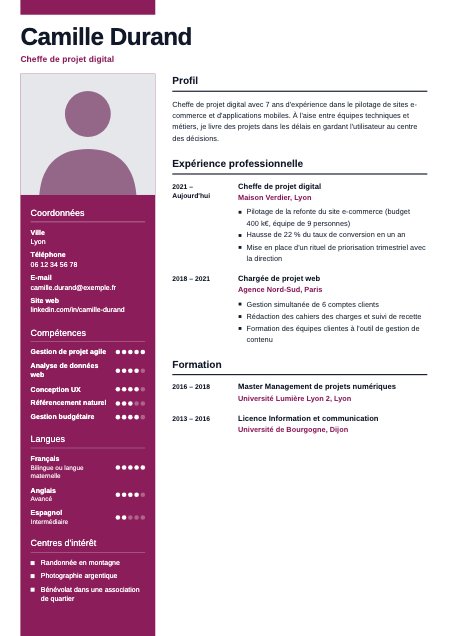
A real PDF, sharp and selectable.
A sharp PDF, ready to send to recruiters or to print.
AI
AI that proofreads and improves your writing
Correct, rephrase, find the right word: in one click, without leaving your CV.
- Fixes mistakesSpelling and typography are underlined; “Fix all” sorts everything out at once.
- Rephrases in one clickImprove, more impactful, more concise, more formal: you choose the tone.
- You stay in controlNothing goes to the AI without your click; you accept or decline each suggestion.
Everything you need, nothing more
- Preview
Every change shows up instantly.
The CV redraws as you type: you see what the recruiter will see.
- Templates
Change template, your content follows.
Simpler or more creative: try it in one click, without retyping anything.
- Suggestions
Phrases suggested for your job.
The AI suggests them; you add them as they are or adapt them.
- PDF
A real PDF, in A4 format.
A layout true to the preview, ready to send or print.
- Photo
Five shapes for your photo.
Circle, square or portrait: your photo fits the template.
- Coming soon
A cover letter to match your CV.
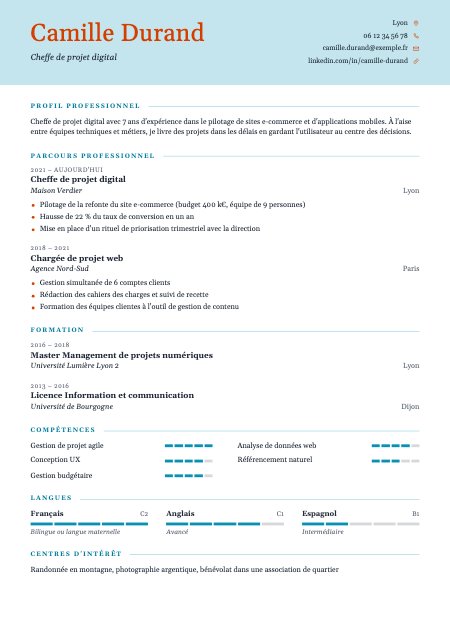
Choose a template that suits you
Simple or creative, all in A4 format.
Choose this template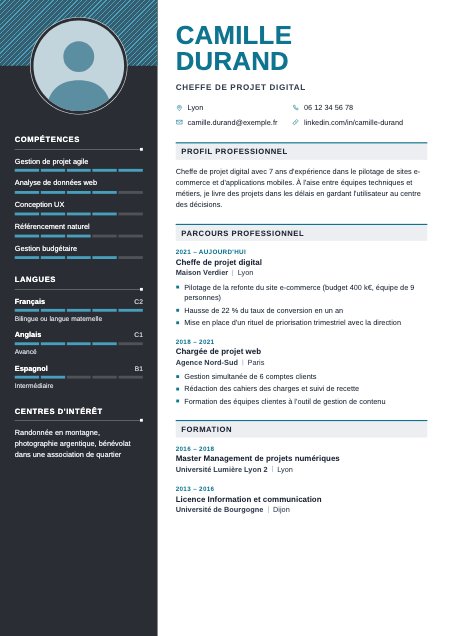 Choose this template
 Choose this template
 Choose this template
 Choose this template
 Choose this template
 Choose this templateChoose this template
 Choose this template
 Choose this template
 Choose this template
 Choose this template
 Choose this template
 Choose this template
 Choose this templateChoose this template
 Choose this templateChoose this templateChoose this template
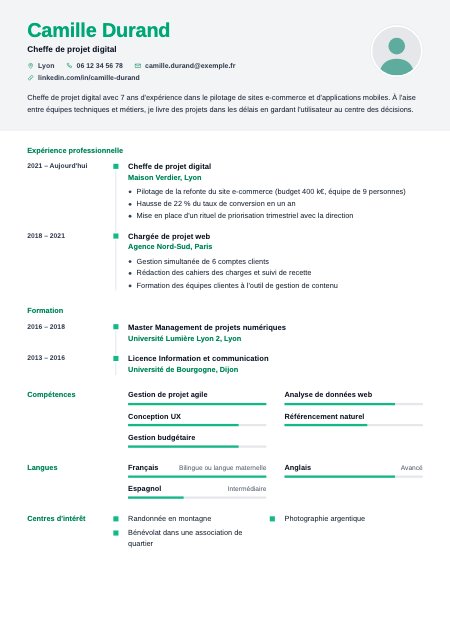 Choose this template
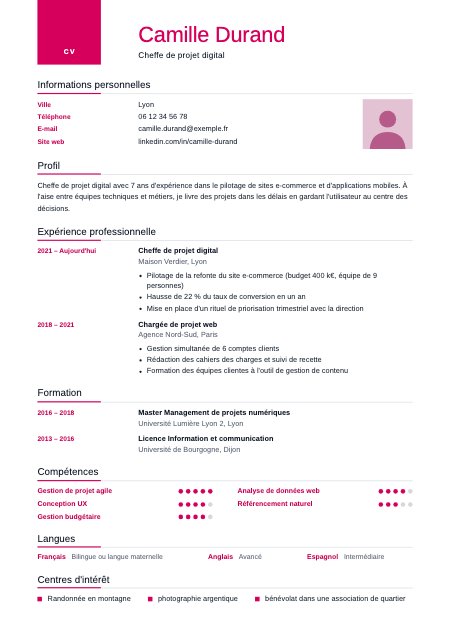 Choose this template
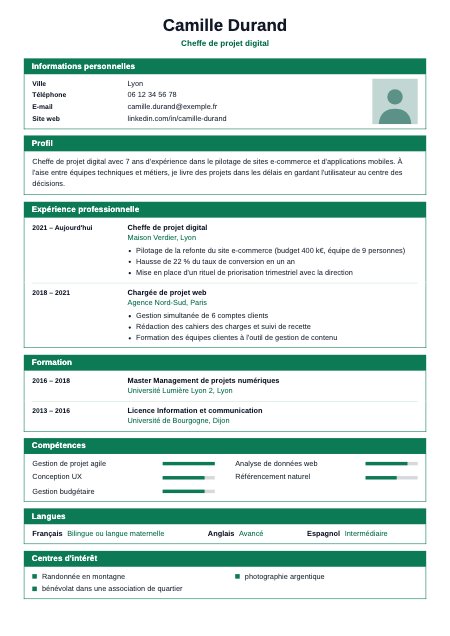 Choose this template
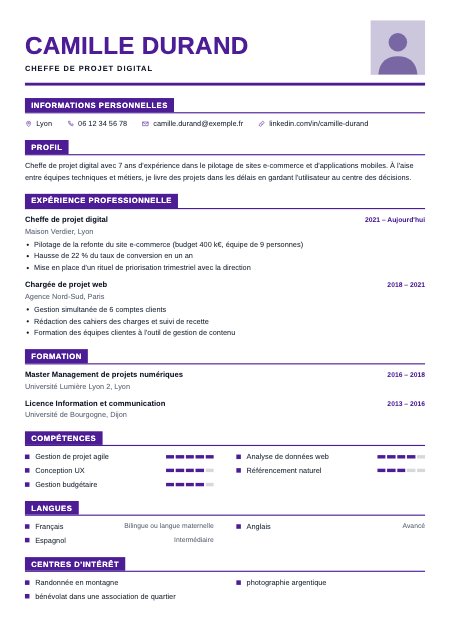 Choose this template
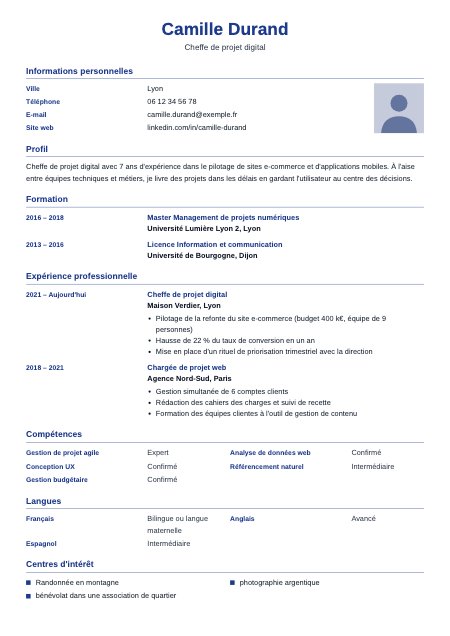 Choose this template
Frequently asked questions
Do I need an account?
No. Without an account, your CV stays in this browser for 30 days after your last visit; an account keeps it, on all your devices.
How do I get the PDF?
The preview is free. The “Download as PDF” button creates the PDF from your saved CV.
Can I add a photo?
Yes, on templates that have a photo space. It only appears in the PDF if you add one.
Can I have several CVs?
Yes, with an account: up to 20, kept in “My CVs”. Without an account, only one CV is kept.
How do the suggestions work?
For French CVs, the “Suggested phrases” button offers ready-made phrases, without sending your text. AI help works in English too; it is optional: your text then goes through a partner artificial intelligence service.
Where does my data go?
Your CVs are stored on the PixeCV server; the PDF and the AI help (a partner artificial intelligence service) also go through it. Full details are on the Your data page.